How to Choose an Android TV Box for Your Home
Looking for an Android TV Box? Compare streaming features, 4K support, app compatibility, connectivity, and buying tips to choose the right device for you.
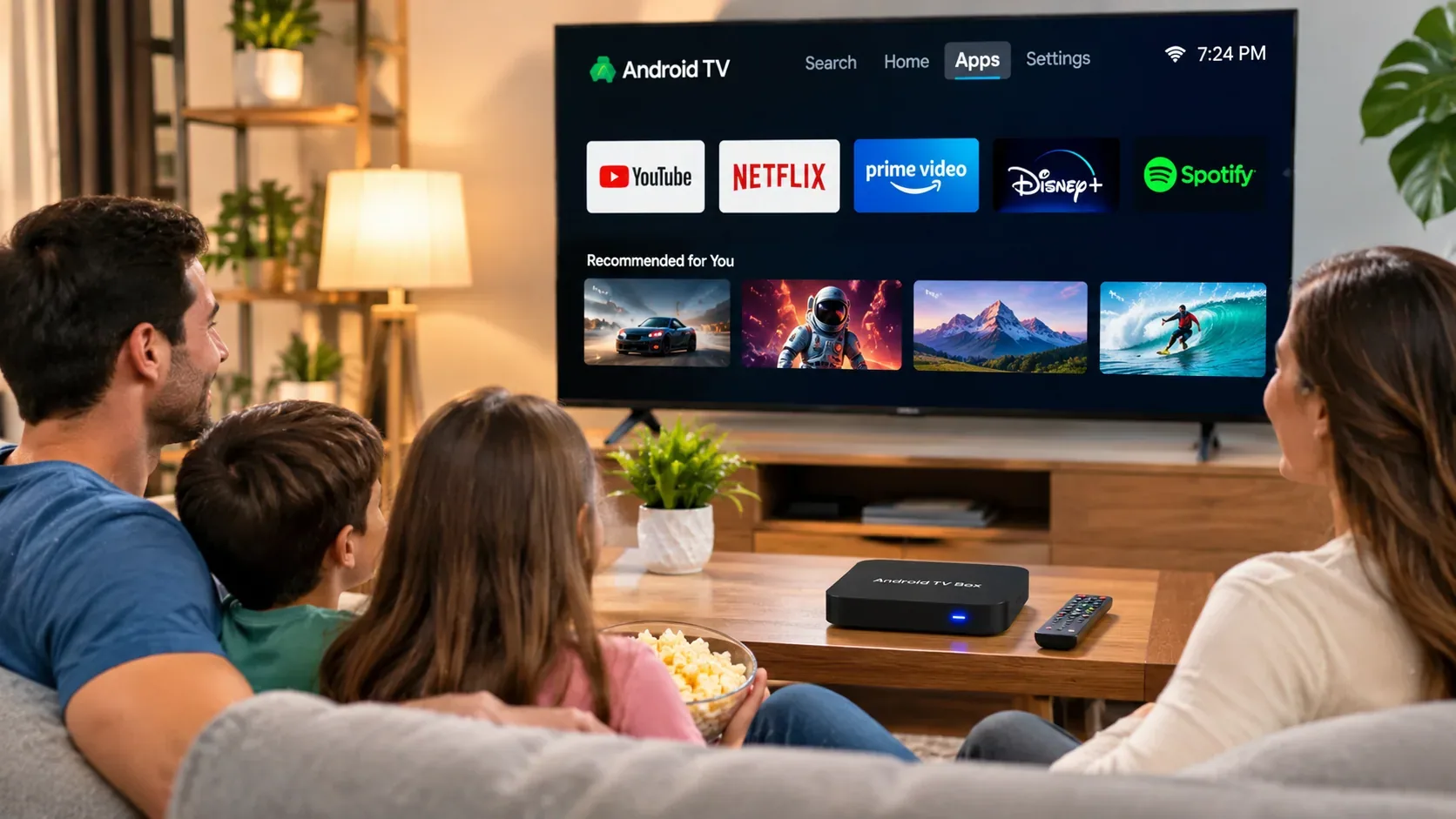
An Android TV Box can turn a compatible television into a connected entertainment system, giving you access to streaming apps, online videos, music, and other digital content. If your television has limited smart features or an outdated interface, an external streaming device may provide a practical alternative to replacing the entire TV.
However, not every Android-based TV box delivers the same experience. Some devices support popular streaming platforms, voice controls, and high-resolution playback, while others have limited app compatibility or lack the certifications required for certain services.
Before buying, understanding the differences in software, performance, connectivity, and app support can help you find a device that fits your entertainment habits and budget.
What Is an Android TV Box and How Does It Work?
An Android TV Box is a compact device that connects to your television, typically through an HDMI port, and provides access to entertainment applications through an Android-based operating system.
Most devices require an internet connection to stream content. Depending on the model, you may connect through Wi-Fi or Ethernet.
After connecting the device, you can typically use its remote control to browse applications, access streaming services, and adjust playback settings.
What Can You Do With an Android TV Box?
Depending on the device's software and hardware capabilities, you may be able to:
- Watch movies and television programs through supported streaming applications.
- Access YouTube and other online video platforms.
- Listen to music and podcasts.
- Display compatible media files stored on external drives.
- Use voice commands with supported remotes and services.
- Install compatible entertainment applications.
- Play supported Android games.
The available features depend on the device's operating system, certification status, and hardware specifications.
Android TV Box Features Worth Checking Before Buying
Choosing a streaming device involves evaluating several technical details. A product may advertise advanced specifications, but those numbers alone do not guarantee smooth playback or compatibility with your favorite applications.
1. Operating System and Software Certification
One of the first details to check is the operating system.
Some devices use Google's official Android TV operating system or Google TV interface. Others run modified versions of standard Android that were not specifically designed for television screens.
Certified devices generally provide a better-supported television interface and access to compatible apps through the TV version of Google Play.
However, certification does not automatically guarantee that every streaming application will work at its highest supported resolution.
Look for information about:
- Android TV or Google TV certification
- Official Google Play support
- Software and security updates
- Compatibility with major streaming services
- Manufacturer support policies
Google TV and Android TV are related platforms, but Google TV provides a different content-focused interface on compatible devices.
2. Processor and Memory
The processor and available RAM influence how quickly a device responds when opening applications, switching menus, and handling background tasks.
A device with limited memory may experience slower app switching, particularly when several applications are installed.
When comparing hardware, check the processor model, available RAM, and independent performance testing where possible.
A higher advertised processor speed does not necessarily indicate better real-world performance.
3. Storage Capacity
Internal storage holds installed applications, system files, and downloaded content where supported.
If you plan to install several applications or games, storage capacity deserves attention.
Some devices support external USB storage or other expansion methods, although these features vary by manufacturer and operating system.
4. Video and Audio Support
If your television supports high-resolution video, choosing a compatible device can help you use those capabilities.
An Android TV Box 4K may support Ultra HD playback, but advertised 4K output does not guarantee 4K streaming through every service.
Check for supported features such as:
- 4K video output
- HDR10 or Dolby Vision compatibility
- Supported video codecs
- Dolby Atmos or other audio formats
- Appropriate HDMI connectivity
Your television, streaming application, content subscription, and internet connection must also support the desired playback format.
Android TV Box vs. Streaming Stick: Which Is Better?
An Android TV Box and a streaming media player in stick format can perform many of the same entertainment functions, but their physical designs and connectivity options often differ.
| Feature | Android TV Box | Streaming Stick |
|---|---|---|
| Design | Compact external box | Small device that plugs into HDMI |
| Connectivity | May include Ethernet and USB ports | Usually emphasizes Wi-Fi |
| Storage | Varies by model | Often limited |
| Setup | Requires HDMI and power connections | Usually compact and straightforward |
| Portability | Depends on size and accessories | Generally convenient for travel |
| Best suited for | Users seeking additional connectivity | Users prioritizing compact design |
A streaming stick may be suitable for a bedroom television or occasional travel. A TV box may be preferable if you want wired networking, external storage connections, or additional ports.
Neither format is automatically faster or better. Actual performance depends on the specific hardware and software.
Why Choose a 4K Android TV Box for Home Entertainment?
A 4K streaming device can be useful if you already own a 4K television and subscribe to services that provide Ultra HD content.
However, picture quality depends on several factors beyond the device itself.
Display Compatibility
Your television must support the resolution and video format being transmitted. A 4K-capable box connected to a 1080p television will not create a true 4K picture on that screen.
Streaming Service Support
Some streaming services require certified hardware and approved digital rights management systems for HD or 4K playback.
Before purchasing, confirm the device's compatibility with the specific services you use.
Internet Connection
Streaming high-resolution video generally requires a stable internet connection.
For example, Netflix recommends an internet connection of at least 15 Mbps for Ultra HD streaming. Other services may have different requirements.
An Ethernet connection can be helpful when Wi-Fi coverage is inconsistent, provided the device includes an Ethernet port.
HDR Compatibility
HDR formats can improve the presentation of compatible content on supported displays.
However, the streaming device, television, application, and selected video must all support the relevant HDR format.
How to Choose the Best Android TV Box for Your Needs
Finding the best Android TV box depends on your television, preferred applications, and how frequently you use streaming services.
Instead of focusing entirely on advertised specifications, match the device's capabilities to your viewing habits.
For Everyday Streaming
If you mainly watch YouTube, Netflix, or other subscription services, prioritize software certification and verified application compatibility.
A responsive interface and reliable remote control may matter as much as processing power.
For 4K Home Theater Systems
If you own a 4K HDR television or a compatible sound system, check video and audio format support carefully.
Confirm that the device can deliver the desired formats through your preferred applications.
For Gaming and Entertainment Apps
Some Android-based television devices support casual games and compatible Bluetooth controllers.
However, demanding games may require stronger hardware, and many mobile Android games are not designed for television interfaces.
For Local Media Playback
If you store videos on external drives or a home network, look for suitable USB ports, file-format support, and compatible media applications.
A wired network connection may also be useful for accessing large media files.
Android TV Box Buying Comparison
The following table can help you prioritize features according to your intended use.
| Your main priority | Features to prioritize | What to verify |
|---|---|---|
| Subscription streaming | Certified software, supported apps | Service compatibility and playback resolution |
| 4K entertainment | 4K output, HDR support | Supported formats and DRM |
| Casual gaming | Processor, RAM, controller support | Game compatibility |
| Local media playback | USB ports, storage support | File formats and external-drive compatibility |
| Stable networking | Ethernet or reliable Wi-Fi | Available ports and wireless specifications |
| Long-term ownership | Software updates, warranty | Manufacturer support policy |
The most suitable option is the device that reliably supports the applications and features you actually use.
Android TV Box Setup: What Should You Expect?
Most Android TV boxes follow a similar initial setup process.
- Connect the device to an available HDMI port on your television.
- Attach the power adapter according to the manufacturer's instructions.
- Select the correct HDMI input using your television remote.
- Connect the device to your Wi-Fi network or Ethernet connection.
- Complete the on-screen setup and sign in to the required accounts.
- Install compatible applications and configure your preferences.
Some devices may require software updates during setup.
For security, install updates when available and obtain applications through trusted sources.
Common Android TV Box Buying Mistakes
Even an affordable streaming device can become frustrating if it does not support the services or features you expect.
Choosing Based Only on Advertised Resolution
A device labeled 4K or 8K may support that output resolution without supporting equivalent playback through major streaming platforms.
Always distinguish advertised hardware capabilities from verified streaming performance.
Ignoring App Certification
Uncertified Android devices may have problems installing or running certain television applications.
Some services may limit playback resolution or prevent access entirely.
Overlooking Software Updates
Security patches and operating system updates can affect compatibility, stability, and long-term usability.
Check the manufacturer's published update commitments where available.
Paying for Features You Will Not Use
Extra ports, expanded storage, and advanced audio capabilities may be unnecessary if you primarily watch a few streaming services.
Focus on features that support your viewing habits.
Android TV Box Price and Value: What Should You Compare?
The Android TV Box price can vary according to hardware, software certification, connectivity, and included accessories.
Rather than selecting the least expensive model, evaluate what you receive for the asking price.
Pay attention to:
- Supported streaming platforms
- Operating system and certification
- Processor and memory specifications
- Video and audio compatibility
- Remote control features
- Warranty coverage
- Software update policies
- Return conditions
A device with reliable app support and a clear update policy may provide better long-term value than one advertising high specifications without verified compatibility.
You can compare Android TV box options and current pricing to review available models before deciding which features are worth paying for.
Frequently Asked Questions About Android TV Boxes
Can an Android TV Box Work With Any Television?
Most Android TV boxes work with televisions that have a compatible HDMI input. Older televisions without HDMI may require an adapter, although compatibility and picture quality can vary.
Do You Need a Subscription to Use an Android TV Box?
No. The device itself generally does not require a streaming subscription, although individual applications and services may charge fees. Free and paid content options depend on the installed applications and your region.
Is an Android TV Box Better Than a Smart TV?
An external box may provide a newer interface, additional applications, or different connectivity features. However, a modern smart television may already provide everything you need.
Can You Watch Netflix on an Android TV Box?
Netflix is available on supported devices, but compatibility and playback resolution depend on device certification and Netflix support. Check the specific model before purchasing.
Can You Use an Android TV Box Without Internet?
Some devices can play compatible locally stored media without an active internet connection. Streaming services, online applications, and certain setup features generally require internet access.
How Long Does an Android TV Box Last?
There is no universal lifespan. Continued usability depends on hardware reliability, software updates, application compatibility, and changing streaming service requirements.
Is an Android TV Box the Right Purchase for Your Television?
An Android TV Box may be a practical purchase if your television has outdated smart features, limited application support, or lacks connectivity options you need.
Before choosing a device, identify your preferred streaming services, television resolution, audio requirements, and connection preferences.
Then compare certified devices with clearly documented specifications, verified app support, reasonable warranty terms, and a reliable software update policy.
A carefully selected device can help you continue using an existing television while gaining access to supported modern entertainment features.