
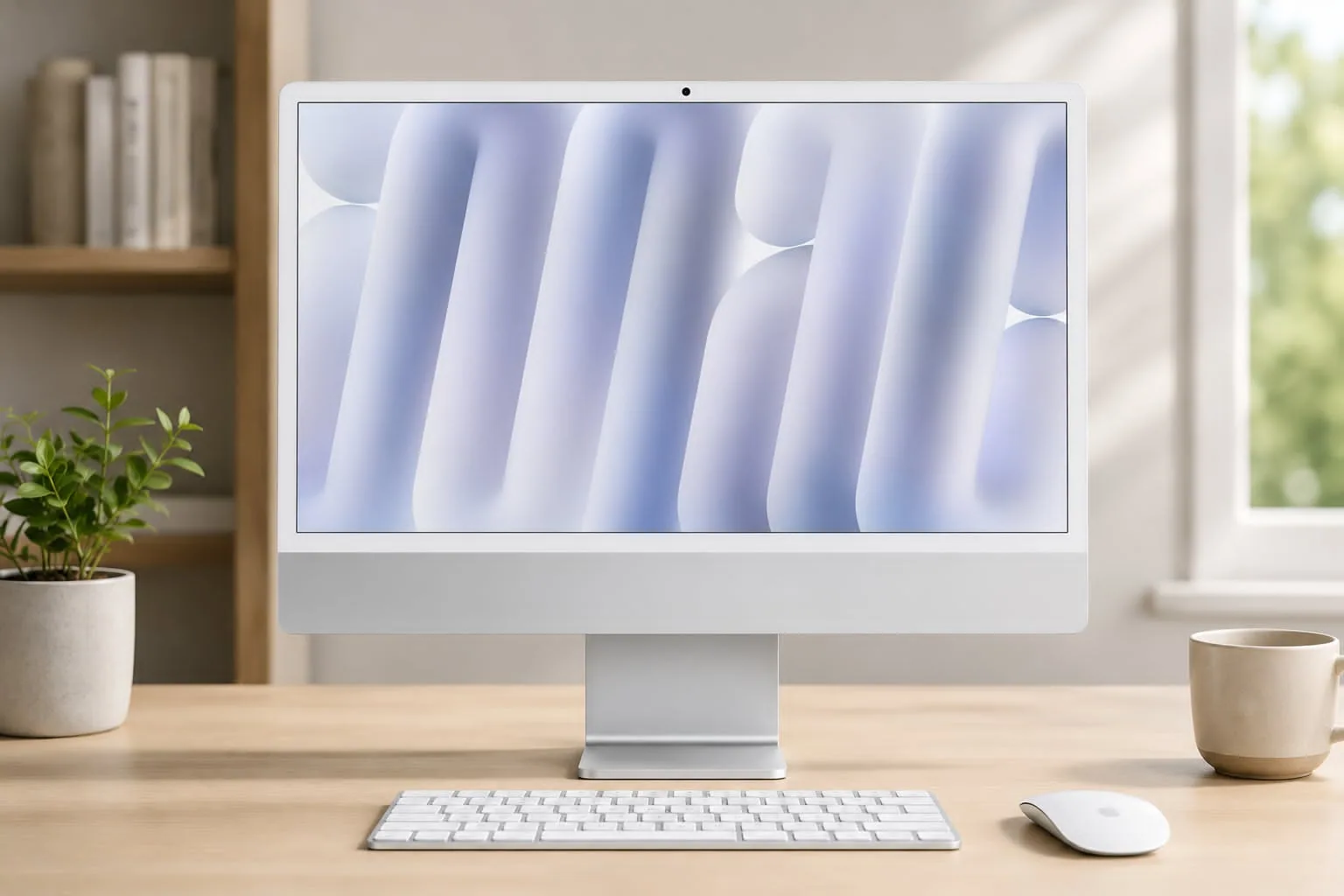
A desktop computer that keeps your workspace clean while delivering serious performance sounds like a win for most users.
The Apple 2024 iMac All-in-One Desktop Computer combines Apple's newest M4 technology with a stunning display, premium audio, and an elegant all-in-one design.For students, professionals, content creators, and remote workers, it offers a balanced mix of speed, simplicity, and visual quality.
The latest iMac continues Apple's focus on efficiency and seamless integration across its ecosystem. From handling large creative projects to managing dozens of browser tabs and productivity apps, the system feels responsive and smooth throughout daily use. At the same time, its slim design minimizes cable clutter and helps create a cleaner workspace.
If you're considering a new desktop, understanding its strengths, limitations, pricing, and real-world performance can help you make a more informed decision.
Apple 2024 iMac All-in-One Desktop Computer: Features and Performance Overview
At the center of the system is the powerful Apple M4 chip, designed to improve performance, efficiency, and AI-driven computing tasks.
M4 Chip Performance
The 2024 iMac features:
- Up to a 10-core CPU
- Up to a 10-core GPU
- 16-core Neural Engine
- Hardware-accelerated ray tracing
- Support for Apple Intelligence features
During everyday use, applications launch quickly, multitasking remains smooth, and demanding workloads feel effortless. Tasks such as photo editing in Adobe Lightroom, video editing in Final Cut Pro, and managing multiple productivity apps benefit from the improved processing power.
One noticeable advantage is the near-silent operation. Even during heavier workloads, the cooling system remains quiet, making the iMac a comfortable choice for home offices and creative studios.
Memory and Storage Options
The iMac offers several unified memory configurations:
| Configuration | Memory |
| Base Model | 16GB |
| Mid-Tier | 24GB |
| High-End | 32GB |
Storage options include:
- 256GB SSD
- 512GB SSD
- 1TB SSD
- 2TB SSD
A key consideration is that memory and storage cannot be upgraded after purchase. If your work involves large video files, extensive photo libraries, or professional creative projects, selecting a higher configuration upfront may provide better long-term value.
Stunning 24-Inch 4.5K Retina Display
One of the strongest reasons to consider this all-in-one desktop computer is its display quality.
Display Specifications
| Feature | Specification |
| Screen Size | 24-inch |
| Resolution | 4480 x 2520 |
| Brightness | 500 nits |
| Color Support | P3 Wide Color |
| Technology | True Tone |
The 24-inch 4.5K Retina display delivers sharp text, vibrant colors, and excellent detail. Designers, photographers, and video editors often appreciate the color accuracy, while everyday users benefit from the crisp viewing experience.
In practical use, the display performs exceptionally well for:
- Graphic design
- Video editing
- Streaming content
- Productivity work
- Photo management
True Tone technology automatically adjusts color temperature based on ambient lighting, helping reduce eye strain during extended use.
Camera, Audio, and Video Conferencing Experience
Remote work and virtual meetings remain a major part of daily computing, and Apple has significantly improved this area.
12MP Center Stage Camera
Benefits include:
- Improved image quality
- Better low-light performance
- Automatic subject tracking
- Professional-looking video meetings
Six-Speaker Audio System
The integrated speaker system supports:
- Spatial Audio
- Dolby Atmos
- Rich bass response
- Clear voice reproduction
For many users, external speakers are unnecessary because the built-in audio already delivers impressive sound quality for music, movies, and video conferences.
Studio-Quality Microphones
The microphone array captures voice clearly during:
- Zoom meetings
- FaceTime calls
- Podcasts
- Voice recordings
Connectivity and Expansion Options
The 2024 iMac includes modern connectivity features designed for fast performance and compatibility.
Connectivity Features
- Wi-Fi 6E
- Bluetooth 5.3
- Thunderbolt 4 ports
- USB-C connectivity
- External display support
Data transfers are fast, and connecting accessories remains simple.
One limitation is the number of available ports. Users with multiple external drives, monitors, or accessories may benefit from adding a Thunderbolt dock or USB-C hub.
Design and Included Accessories
Apple continues to prioritize aesthetics and simplicity.
The ultra-thin chassis helps the iMac fit naturally into almost any workspace. Despite its slim profile, the system feels sturdy and premium.
Included accessories:
- Magic Keyboard with Touch ID
- Magic Mouse
- Color-matched accessories
- Power cable with magnetic connector
Touch ID makes logging in, approving purchases, and managing passwords quick and convenient.
Apple 2024 iMac All-in-One Desktop Computer Pricing
Apple's official pricing can vary depending on configuration and promotions. Typical U.S. pricing for the 2024 iMac starts around:
| Configuration | Typical Price |
| 16GB / 256GB | $1,299 |
| 16GB / 512GB | $1,499 |
| 24GB / 512GB | $1,699 |
| 24GB / 1TB | $1,899–$2,099 |
| Maximum Configuration | $2,299–$2,699+ |
Most buyers choose configurations in the $1,499 to $1,799 range, which provide a strong balance between performance and cost.
Pricing may vary on Amazon and other retailers based on promotions, availability, and configuration.
Who Should Buy the 2024 iMac?
The iMac works particularly well for:
Great Fit For
- Content creators
- Graphic designers
- Students
- Remote workers
- Small business owners
- Apple ecosystem users
Less Ideal For
- Competitive gamers
- Users who frequently upgrade components
- Buyers seeking maximum port flexibility
- Budget-focused shoppers
Gaming performance is solid for many casual and mainstream titles, though dedicated gaming desktops still offer greater graphics flexibility.
Pros and Cons
Pros
✅ Powerful Apple M4 chip performance
✅ Beautiful 24-inch 4.5K Retina display
✅ Excellent camera and audio system
✅ Extremely quiet operation
✅ Strong integration with Apple devices
✅ Premium build quality
✅ Built for future Apple Intelligence features
Cons
❌ No RAM upgrades after purchase
❌ Storage upgrades are not possible later
❌ Limited port selection compared to traditional desktops
❌ Premium pricing compared to some Windows alternatives
Real-World User Feedback
Customer reviews consistently rate the iMac around 4.8 out of 5 stars.
Common praise includes:
- Fast performance
- Exceptional display quality
- Easy setup process
- Reliable day-to-day operation
- Clean all-in-one design
Some users mention the lack of upgradeability as the biggest drawback, especially for buyers planning to keep the system for many years.
Frequently Asked Questions
Is the Apple 2024 iMac good for video editing?
Can you upgrade RAM later?
No. Memory is integrated into the system architecture and must be selected during purchase.
Does the iMac support multiple displays?
Yes. The system supports external displays through Thunderbolt connectivity.
Is the 2024 iMac suitable for gaming?
It can handle many games well, though dedicated gaming PCs offer broader hardware options and upgrade paths.
Final Thoughts
The Apple 2024 iMac All-in-One Desktop Computer delivers an impressive combination of performance, display quality, design, and ease of use. The M4 processor brings noticeable speed improvements, the display remains one of the best in its class, and the integrated camera and speaker system help create a complete desktop experience without requiring extra accessories.
The main factors to consider are the premium price and the lack of future hardware upgrades. If you plan your configuration carefully from the start, those limitations may be less significant over time.
Before making a decision, take a look at the latest pricing and configuration options on Amazon. It can also be helpful to compare other iMac configurations, Mac mini models, and alternative desktop systems to find the setup that best matches your workflow and budget.